Tablet Touch Pens>>>Computer & Office
Brand Name AWINNER
Certification CE
Origin CN(Origin)
Application Screen Capacitive Screen
Application Brands For Apple
Application PDAs
Application Others
Package Yes
Model Number For Apple Pencil 1&2 Spare Nib Tip
Material Plastic
Item Stylus replacement nib
Function 1 Replace the nib
Function 2 Stylus nib
Function 3 Pen Press screen nib
Function 4 For Apple pencil 1st generation
Function 5 For Apple pencil 2nd generation
Function 6 For Apple pencil tip
Function 7 For Apple pencil nib
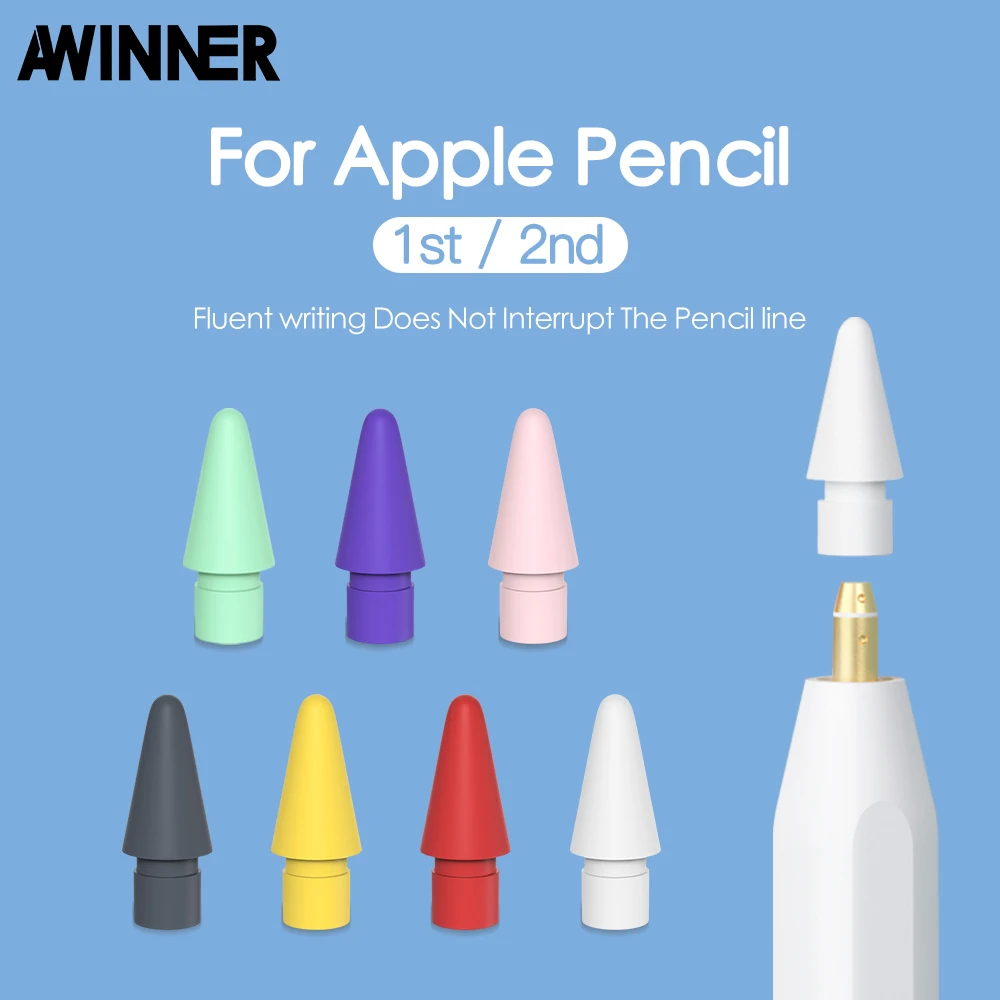
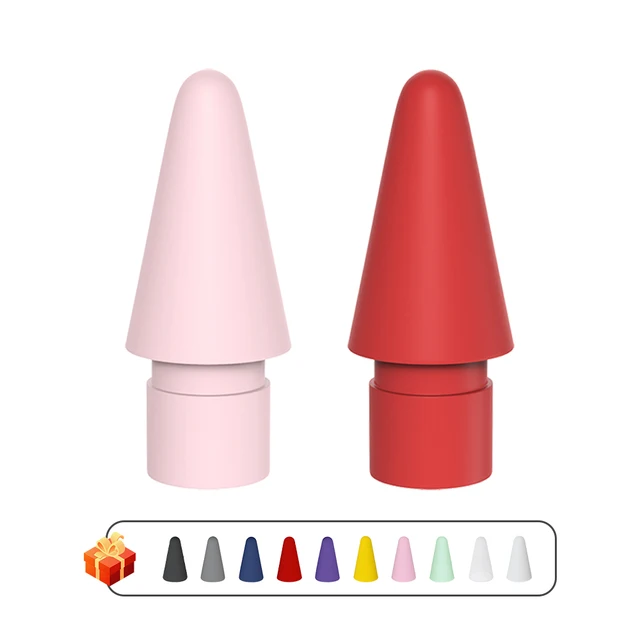
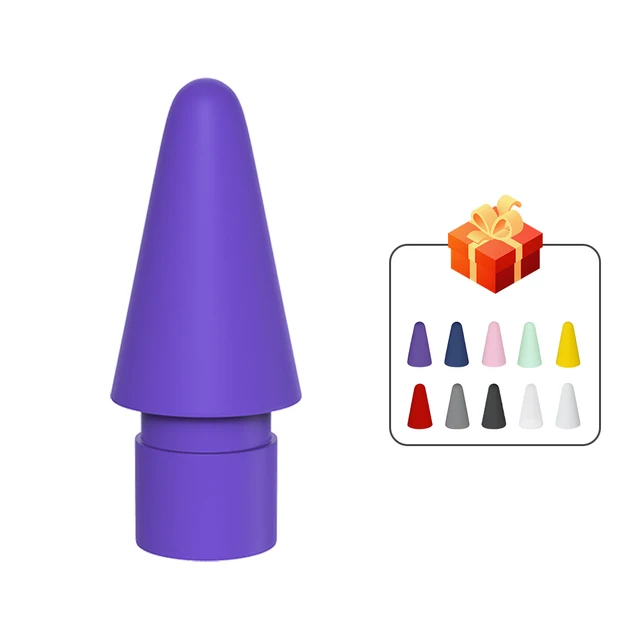
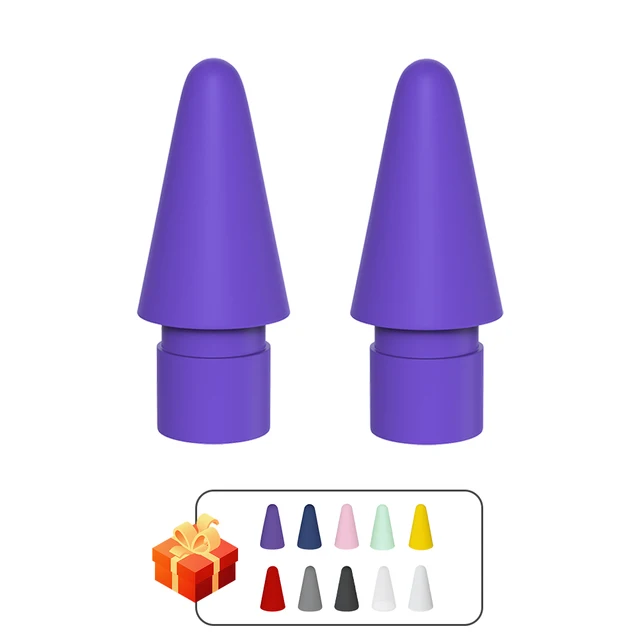
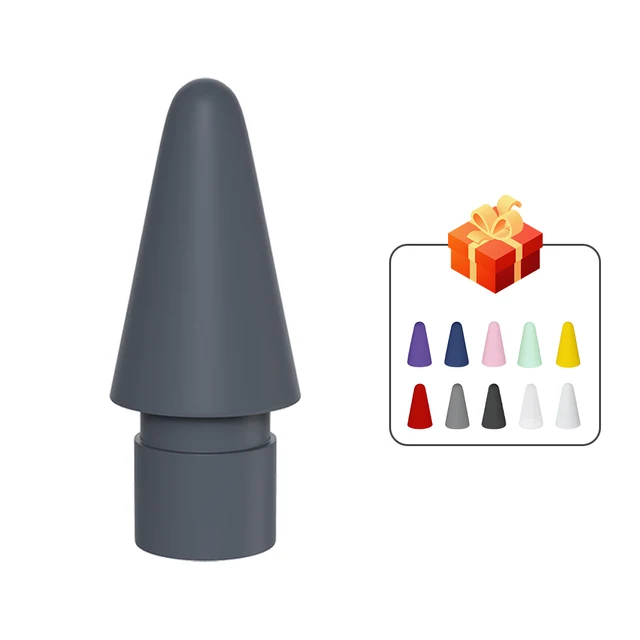
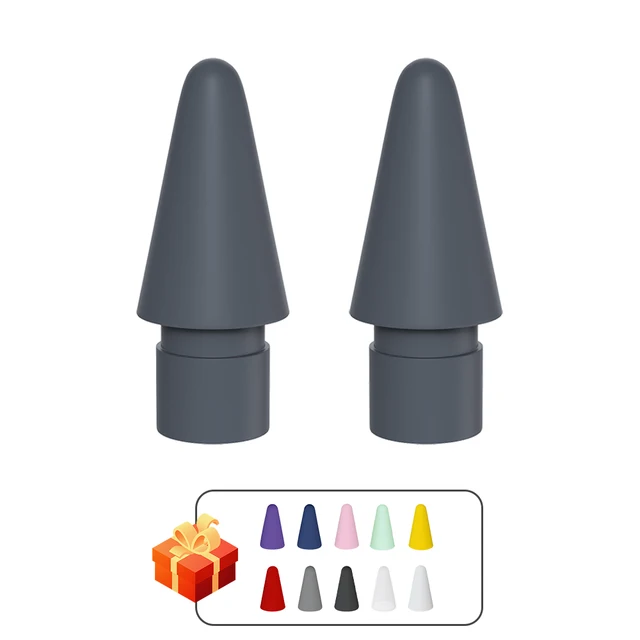
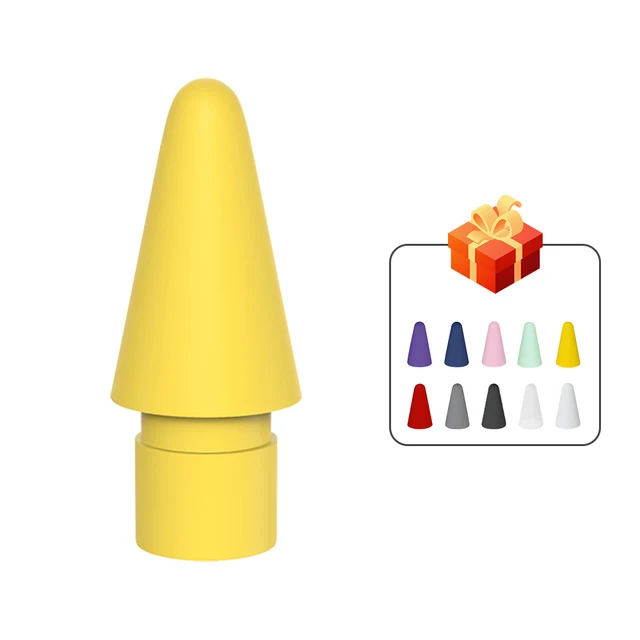
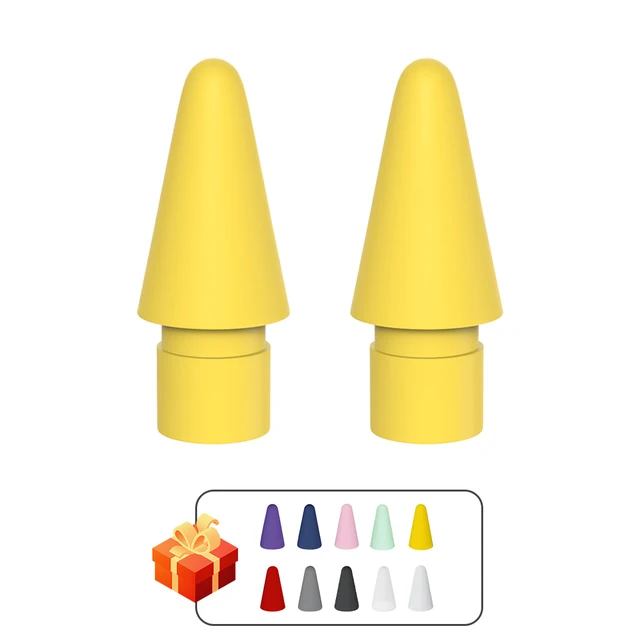
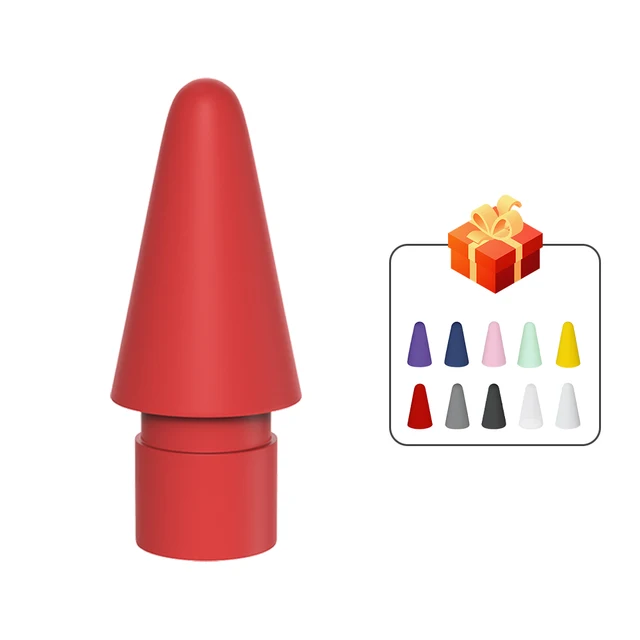
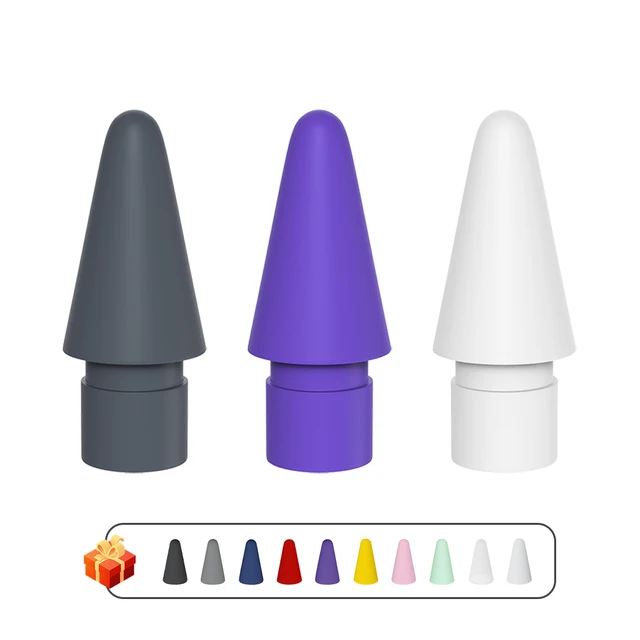
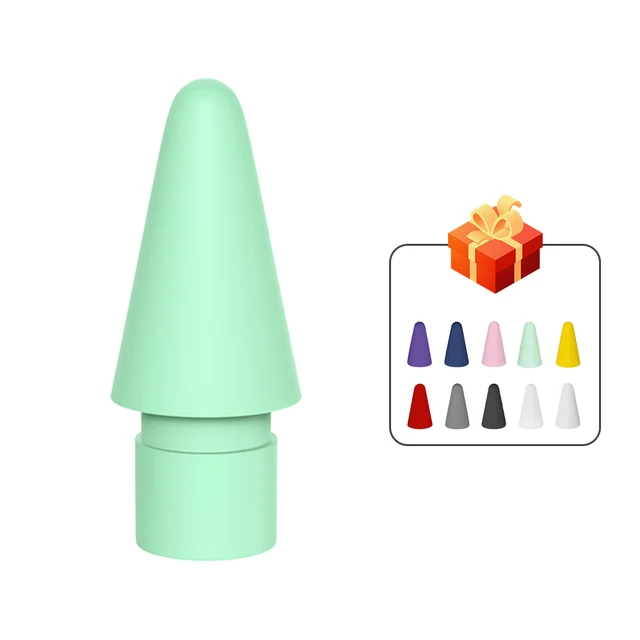
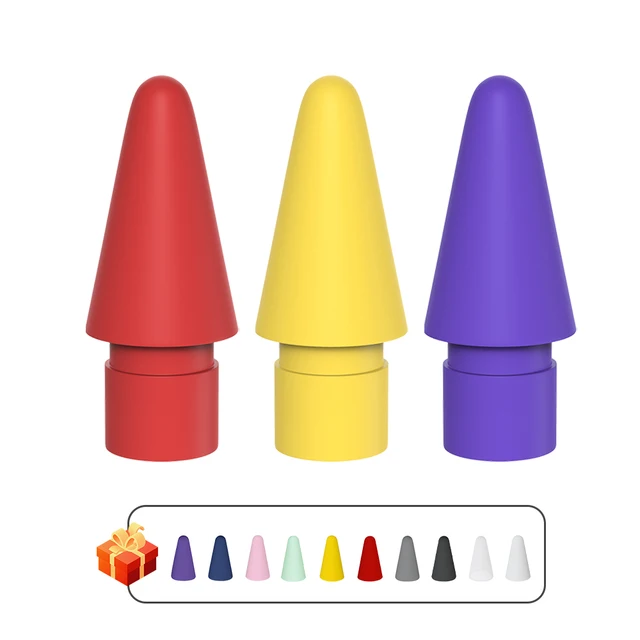
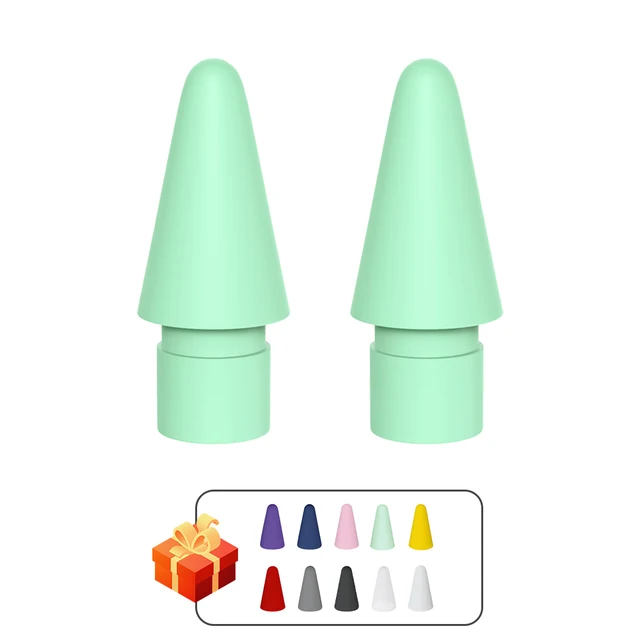
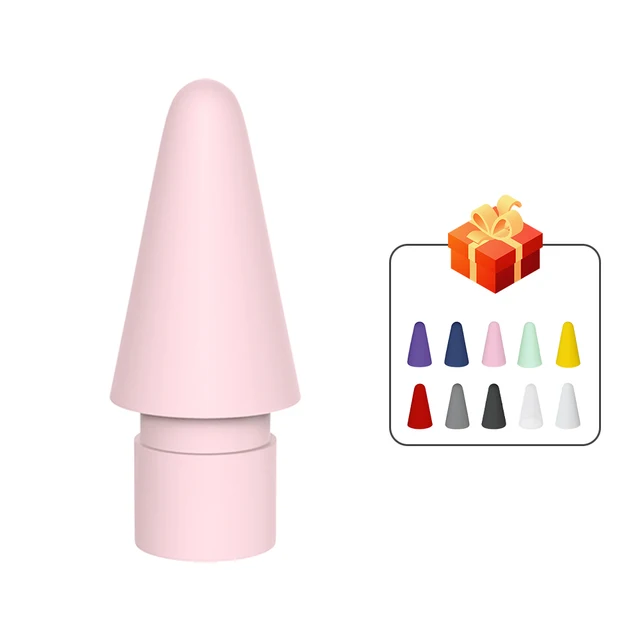
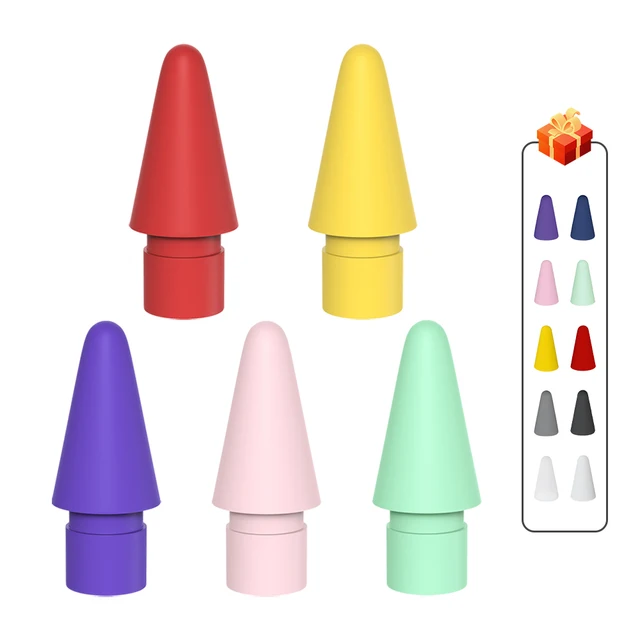
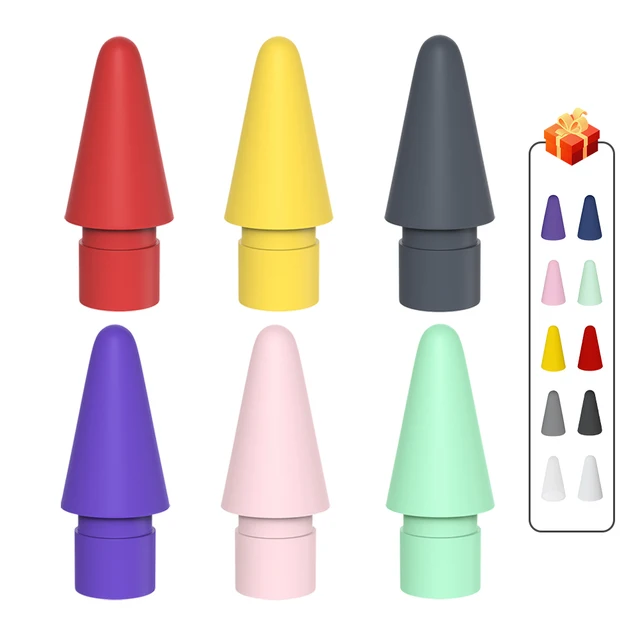
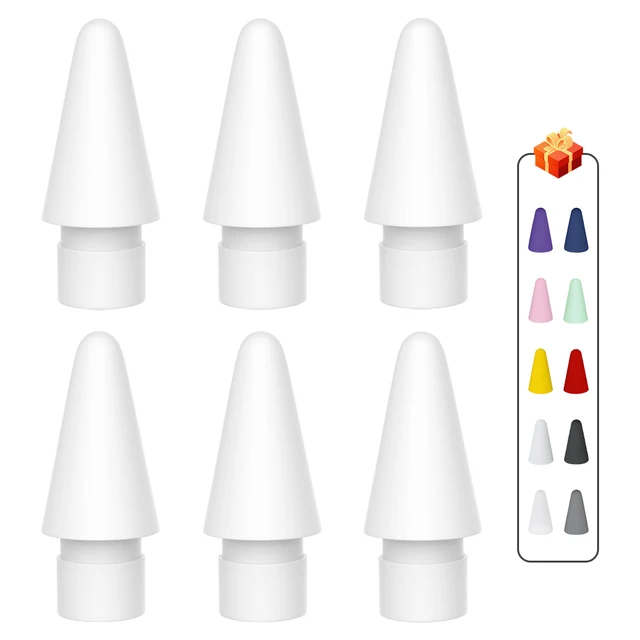
Colors
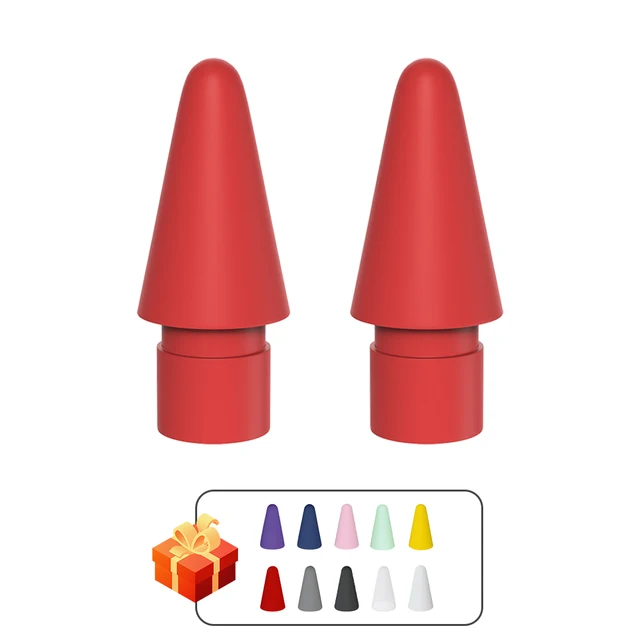
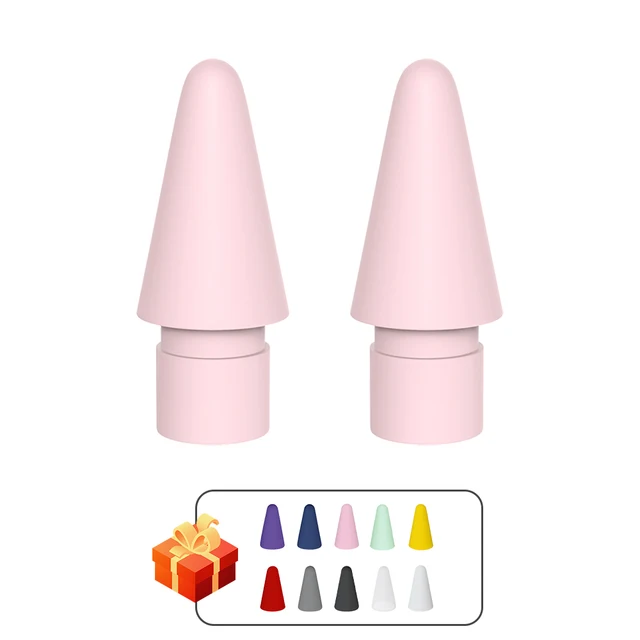
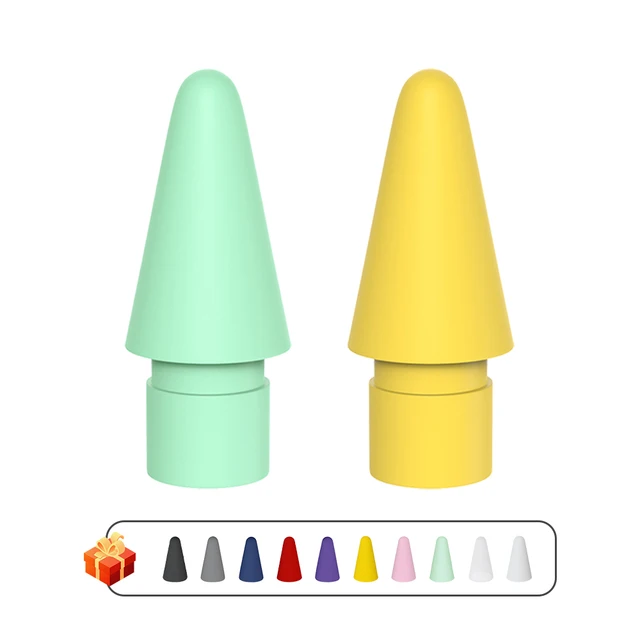
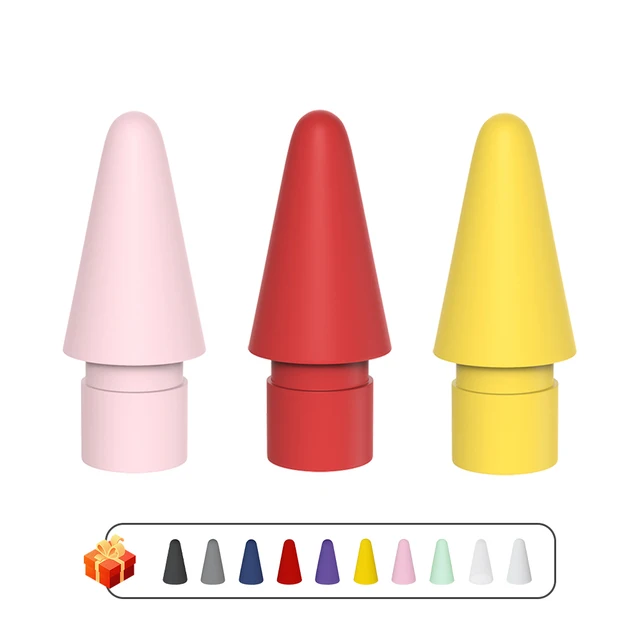

Feature:
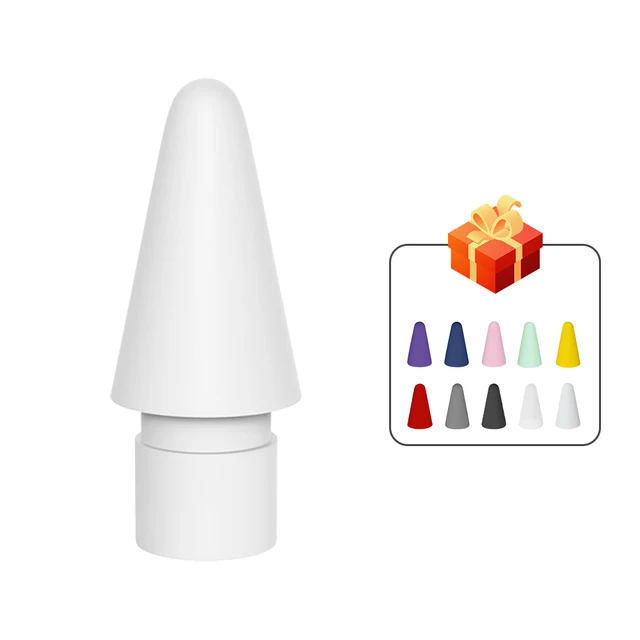
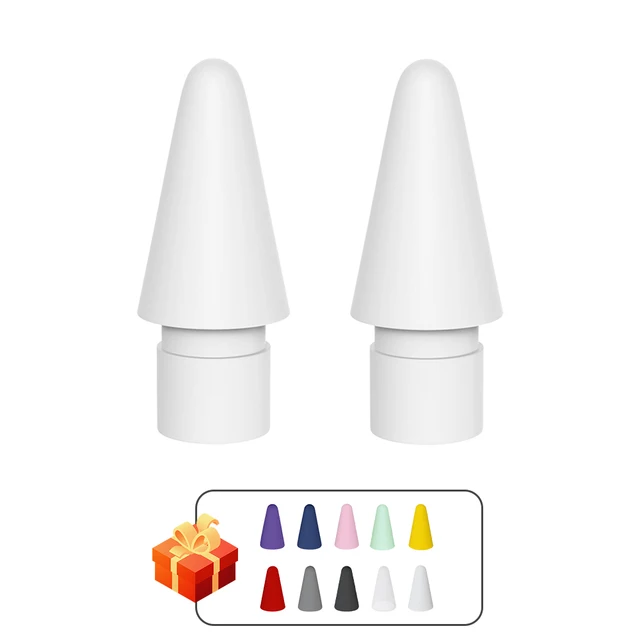
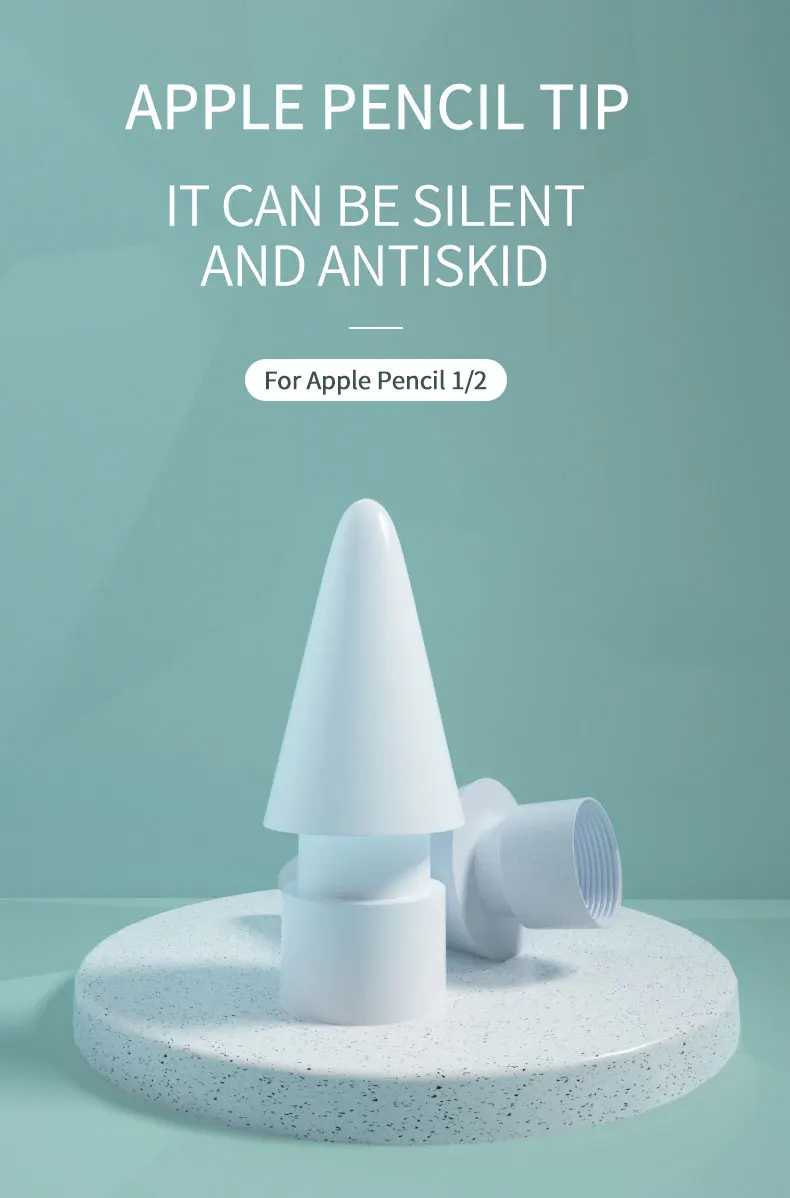
【For Pencil Replacement Tips】Package includes 1/2 pencil tips (White).
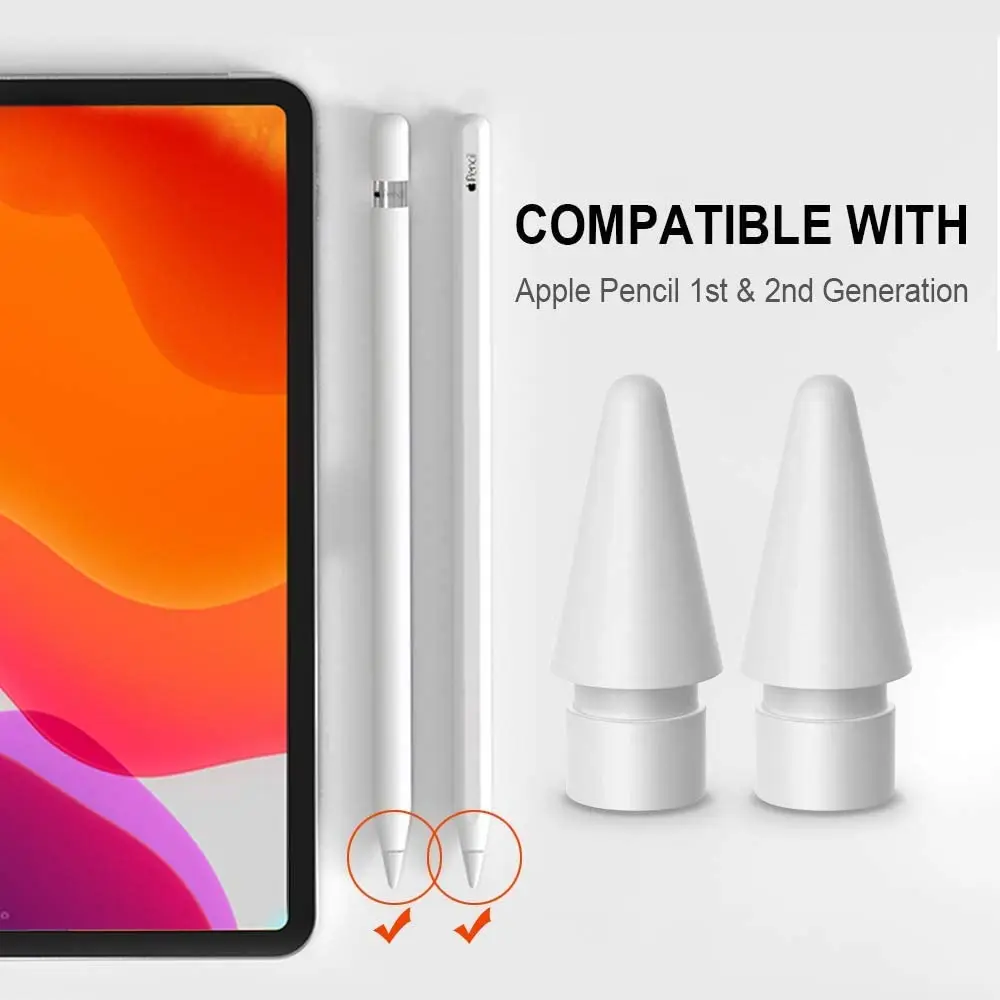
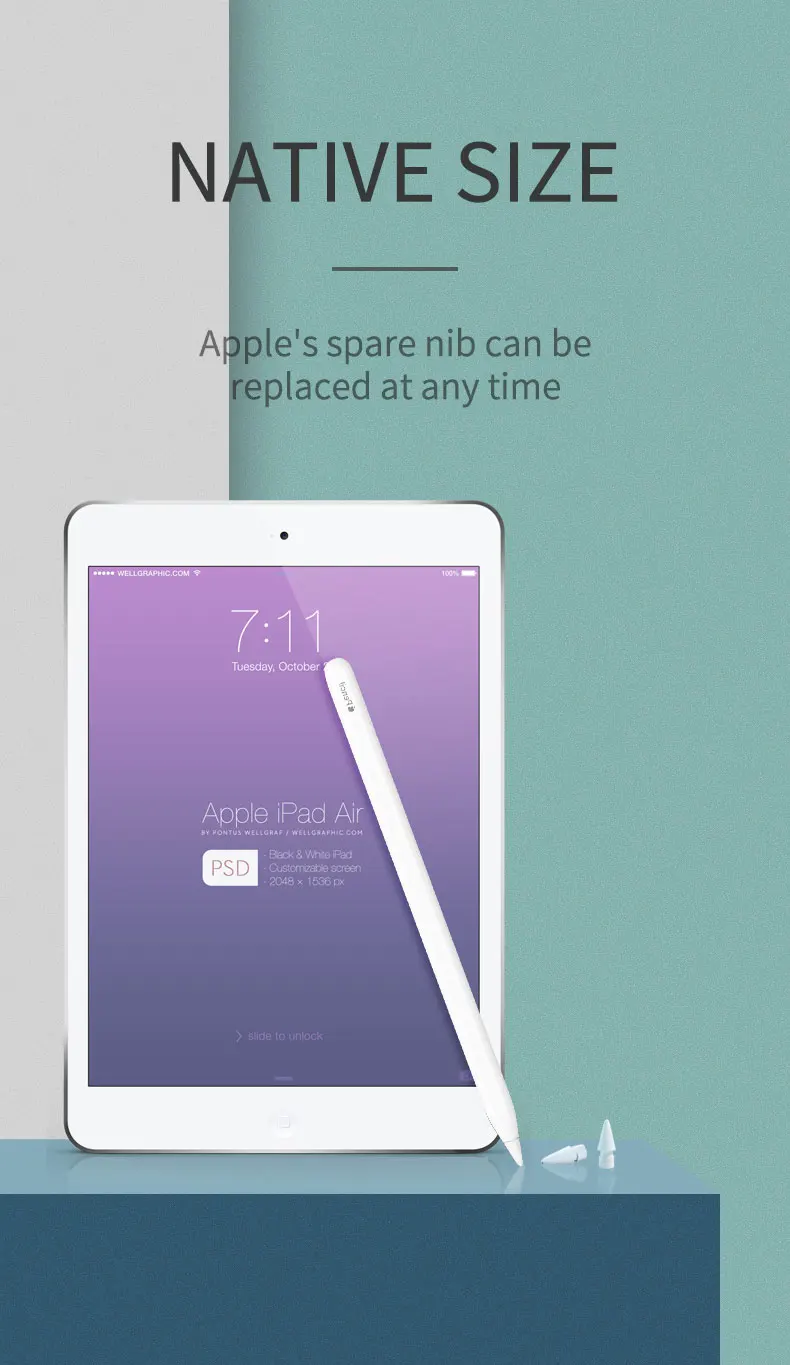
【Compatibility】This pencil nibs are compatible with For Apple Pencil 1st and 2nd Gen. Note: Pencil is NOT included.
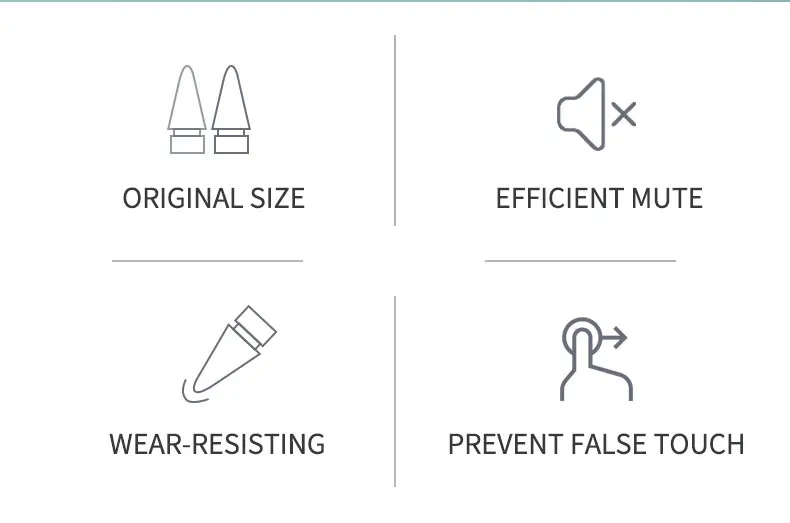
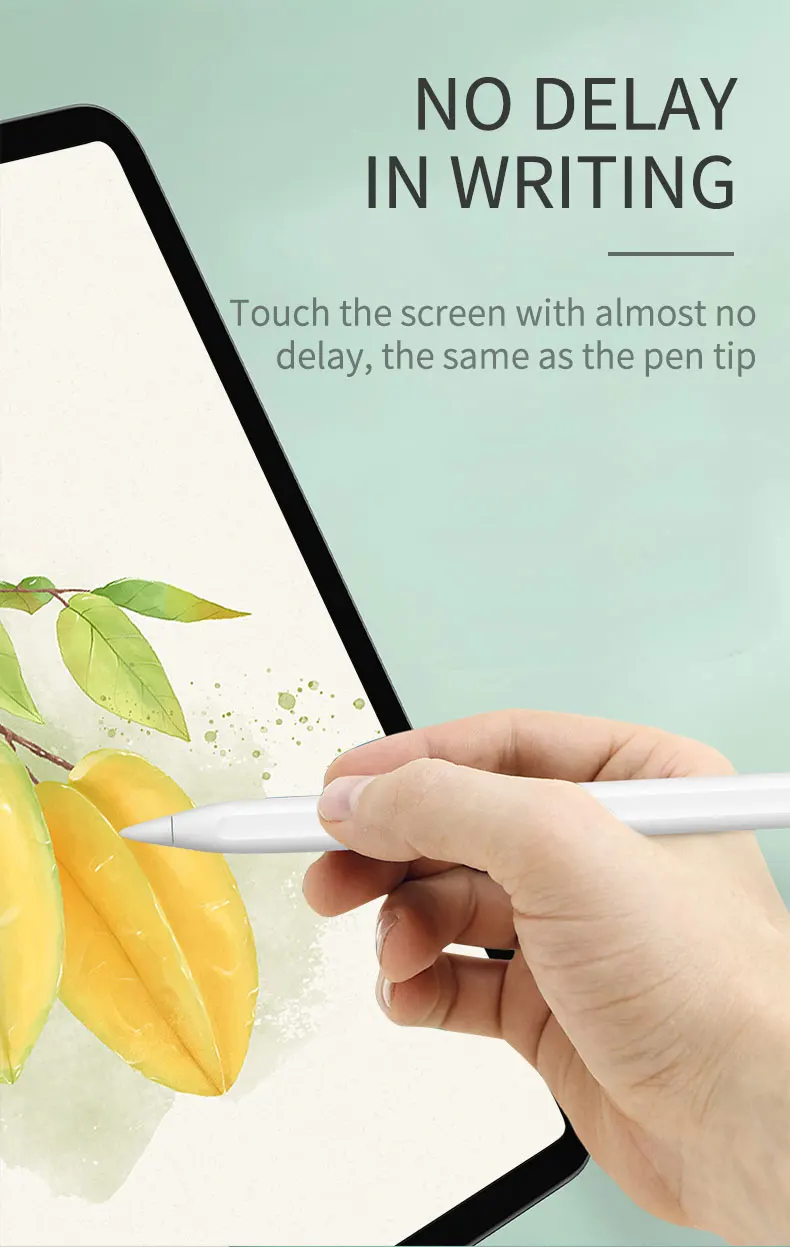
【Works Same as Original】 The same size as the original For apple pencil tip ensures your For Apple Pencil is working smoothly and perfectly with pixel perfect precision, tilt and pressure sensitivity, virtually no lag.
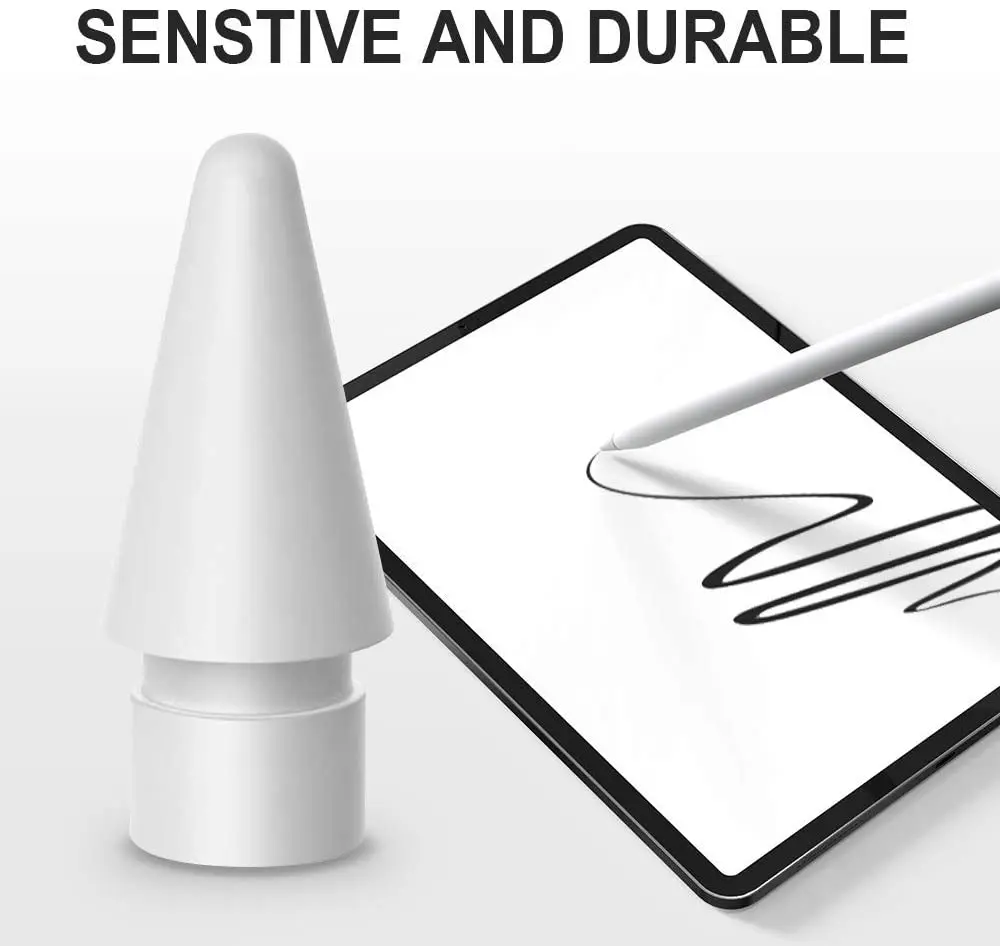
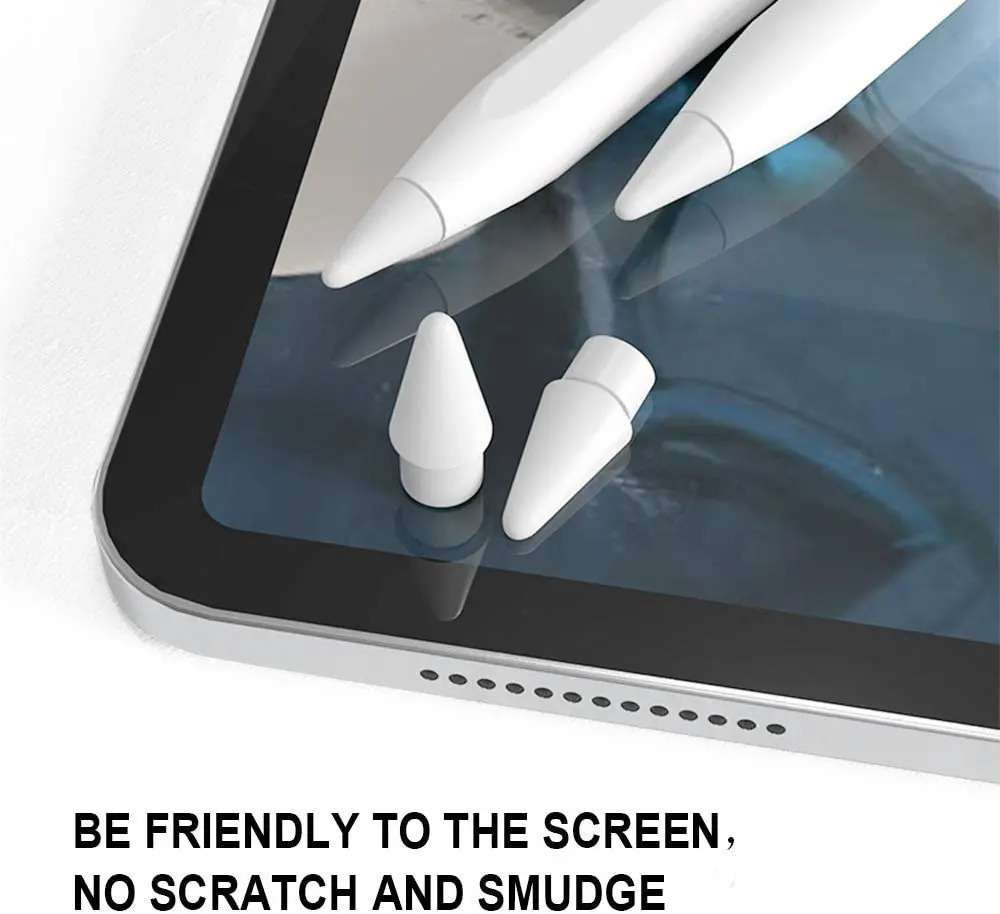
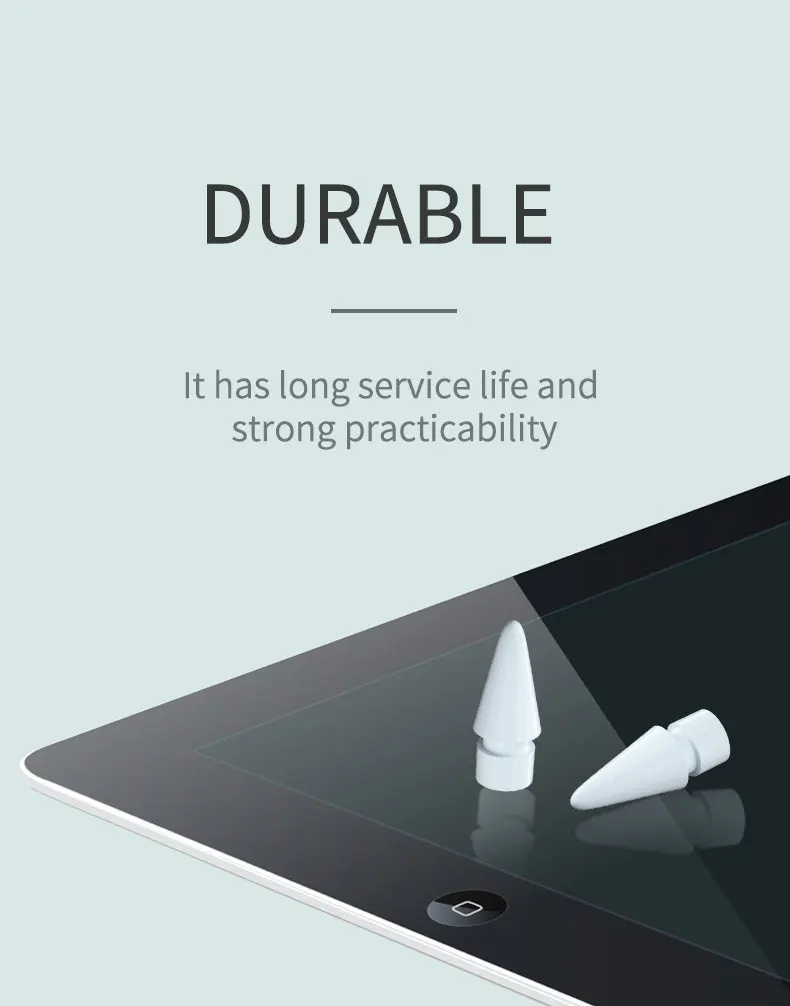
【Premium Materials】The iPad pencil tip is made of high-quality material which is durable and wearresistant, smooth enough to protect your iPad screen from scratch and smudge.
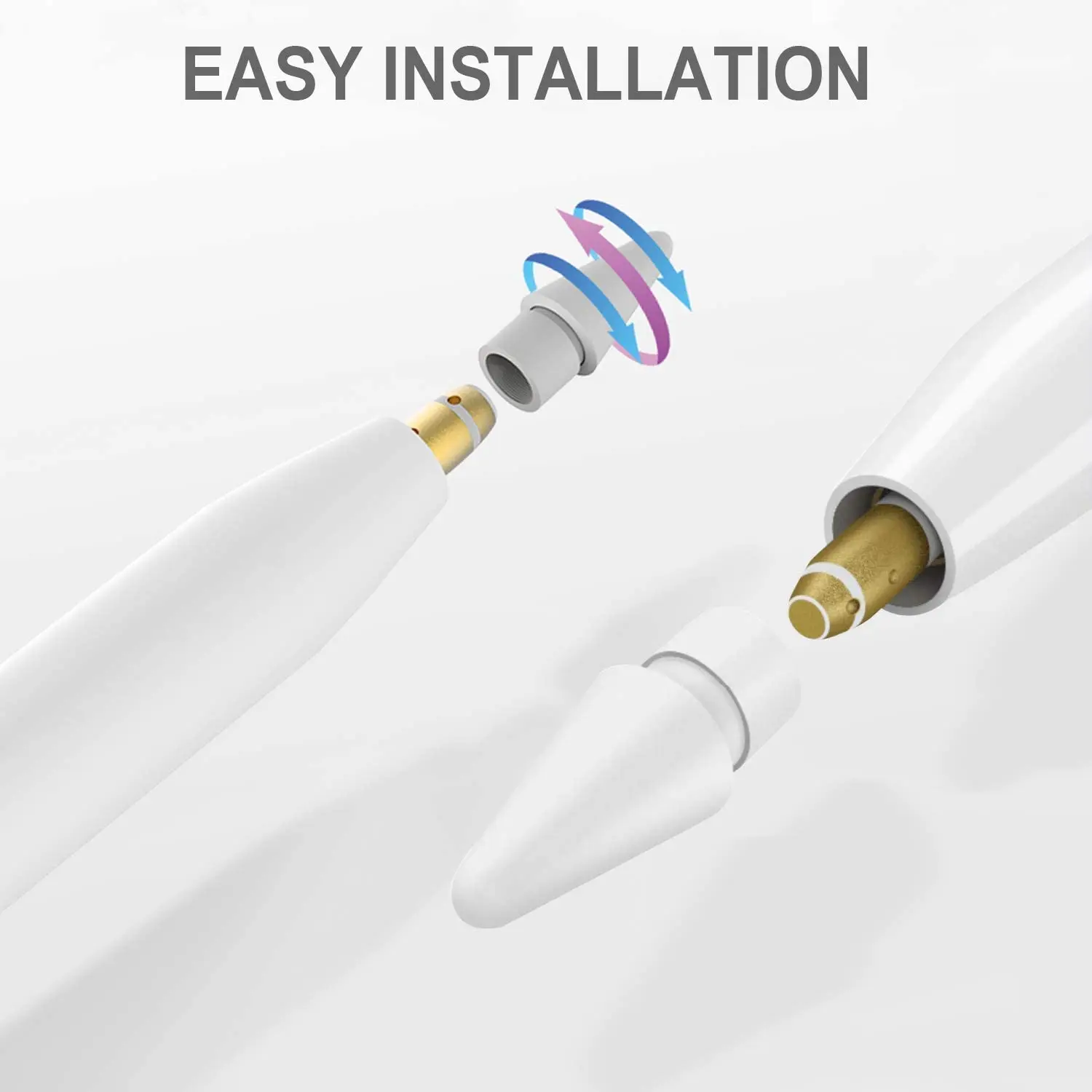
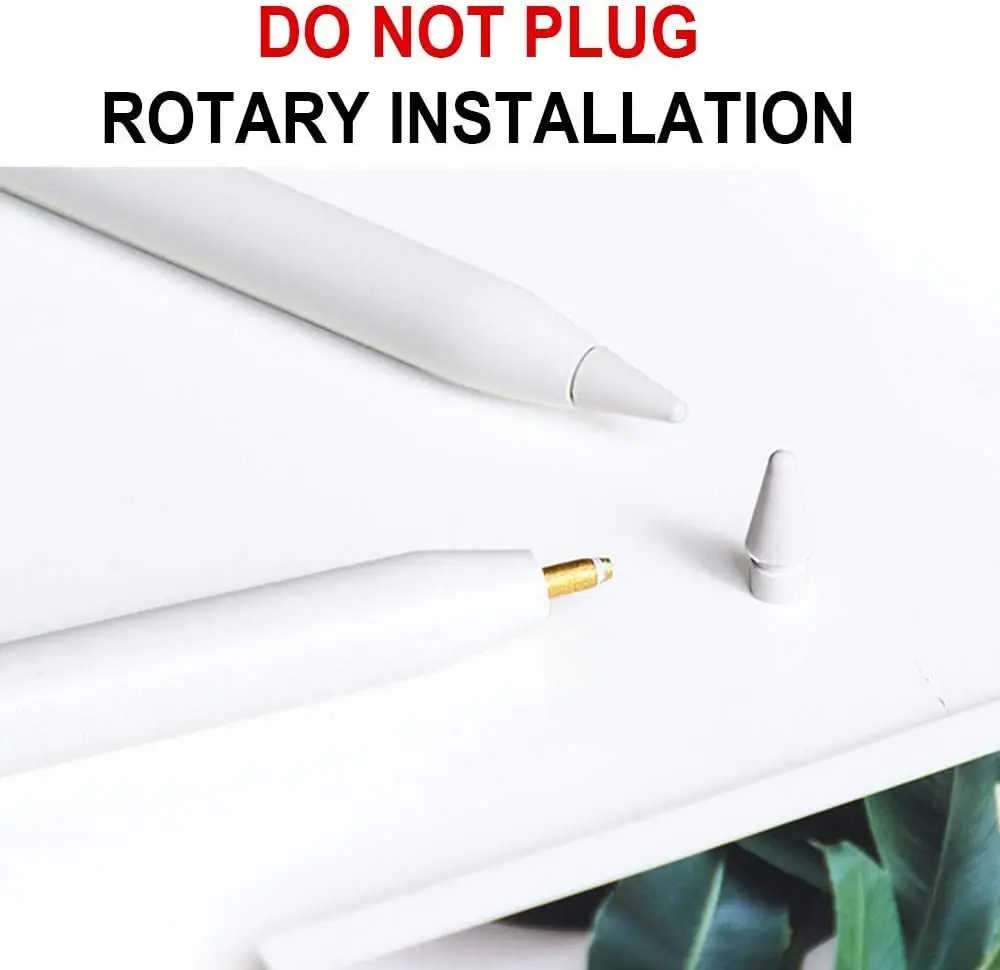
【Easy to Use & Remove】Screw out the old tip to replace a new one. You can easily to install, take off ,use and remove the pencil tip.
Application sn: Capacitive sn Application: Tablet PC Application: Other The spare nib tip is compact and lightweight, which is easy for you to carry it with you in case of accident. Type:Spare Nib TipProduct: Stylus Press screen pen
Item: Stylus replacement nib
Function: Replace the nib
Keywords 1: Stylus nib
Keywords 2: Pen Press screen nibSpecification: Colour: White Material: Plastic Length: 8mm Package Contents: 1/2 x Stylus replacement nib Only the above package content, other products are not included.Note: Light shooting and different displays may cause the color of the item in the picture a little different from the real thing. The measurement allowed error is +/- 1-3cm.
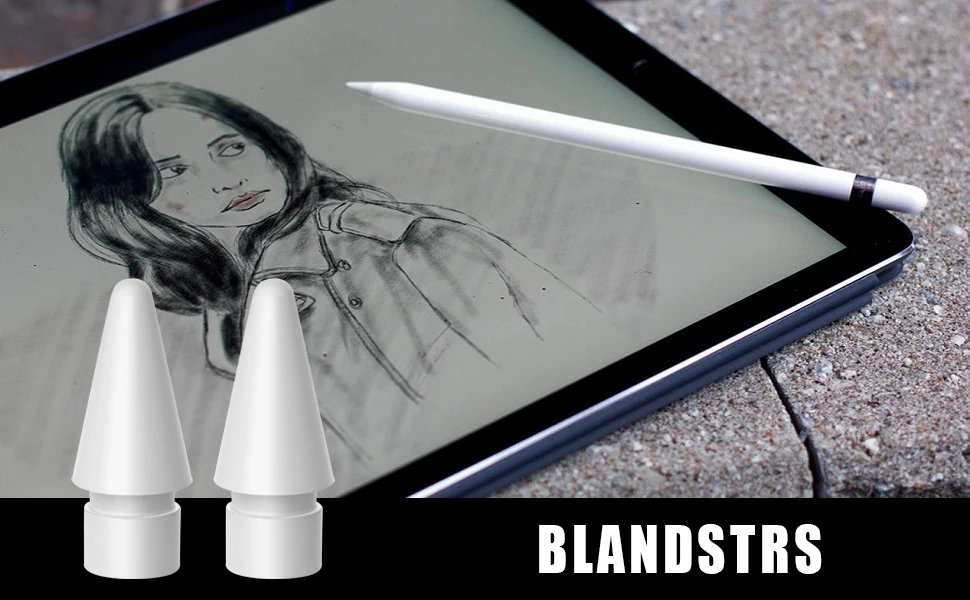
Have you been using your For Apple Pencil for a year or more? Regular use over time causes the tip to wear down and results in it becoming less responsive.
You can replace it easily by unscrewing the tip from the For Apple Pencil and replacing it with a new tip.
How to Replace your For Apple Pencil Tip?
If you’re feeling a little apprehensive about changing your tip rest assured, it’s an easy and straightforward process! Follow these simple steps below.
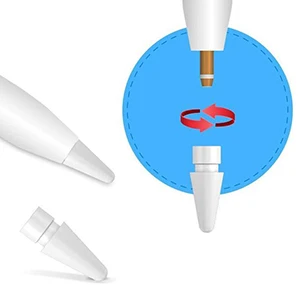
Step 1.In preparation for the job, have your replacement tip ready nearby so you won’t be fumbling around trying to find it with a naked pencil with no tip! Once you’re ready, unscrew the old tip by turning in it in an anti-clockwise motion.
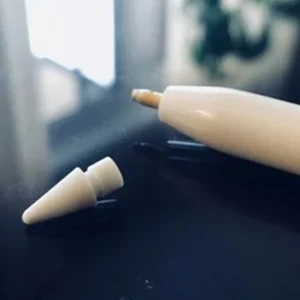
Step2.Remove your old Pencil tip from the base at put aside.
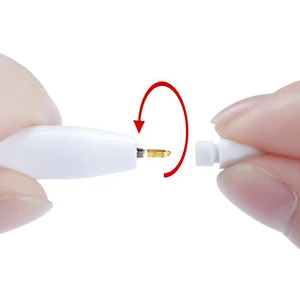
Step3.Place the replacement on the Pencil base and turn in a clockwise direction until it feels secure. No need to over-tighten.
That’s is, job done! You’ll find a tip refresh will completely transform the feel of using your iPad and give your Pencil a whole new lease on life! It should last you another year if not more.





No comments:
Post a Comment